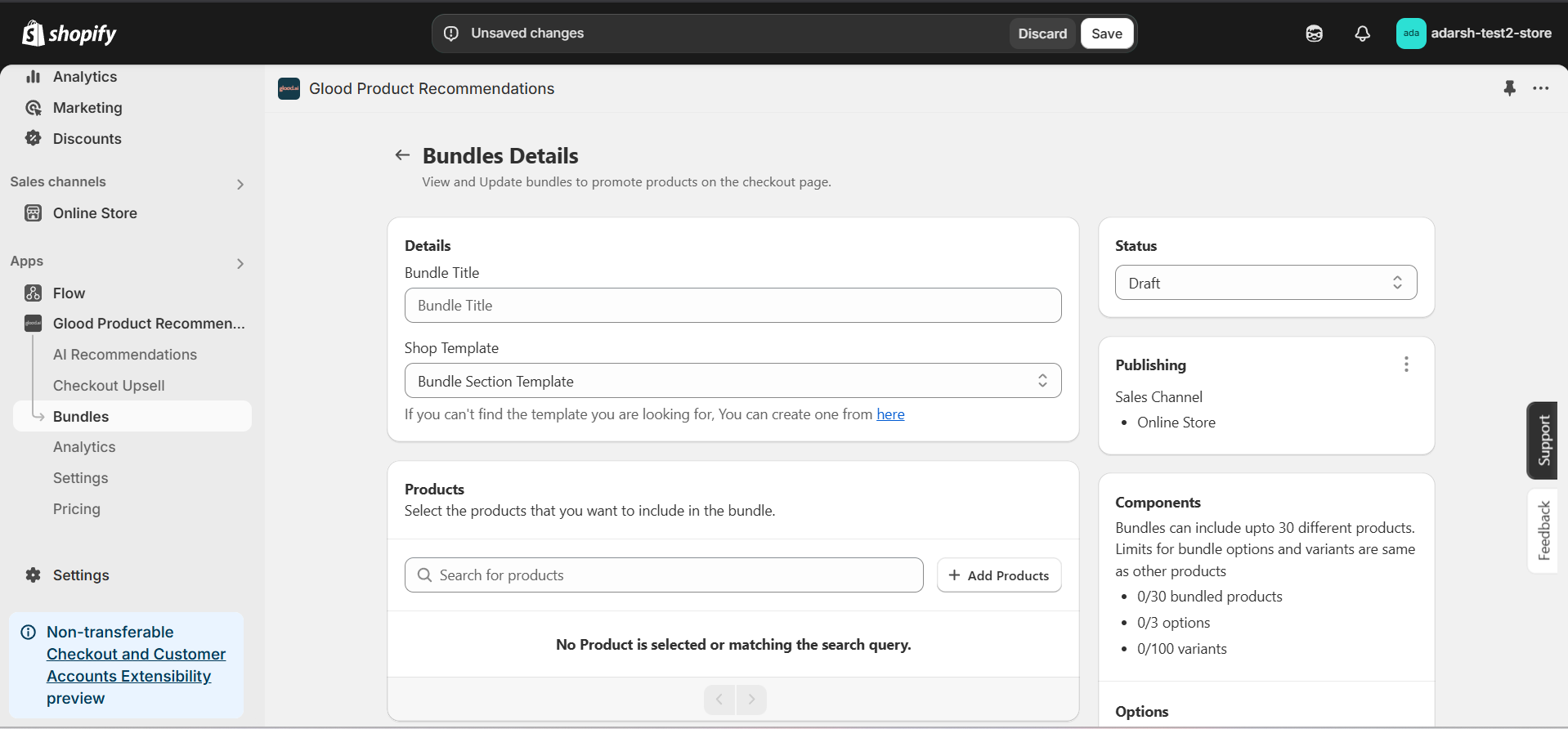
Creating a Bundle
Learn how to create and configure bundles that will automatically be recommended to your customers based on their shopping behavior.Implementation Steps
1. Open the “Glood Product Recommendations” app in your Glood.AI admin
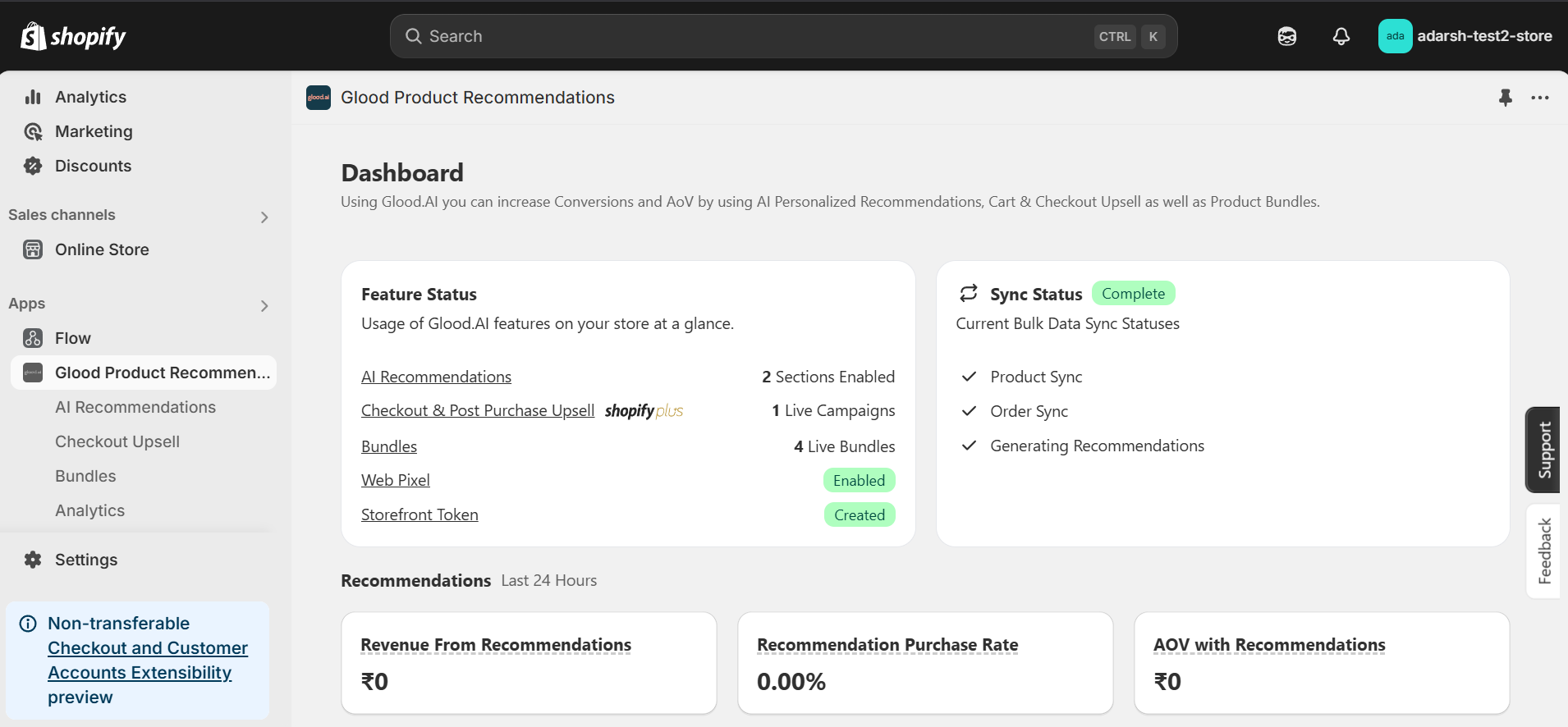
2. Click on the “Bundles” section from the app menu
→ This will open the Bundles screen (as shown in the image), where you can create and manage bundles for your store. Bundling helps increase the average order value and boost product sales by offering multiple items together.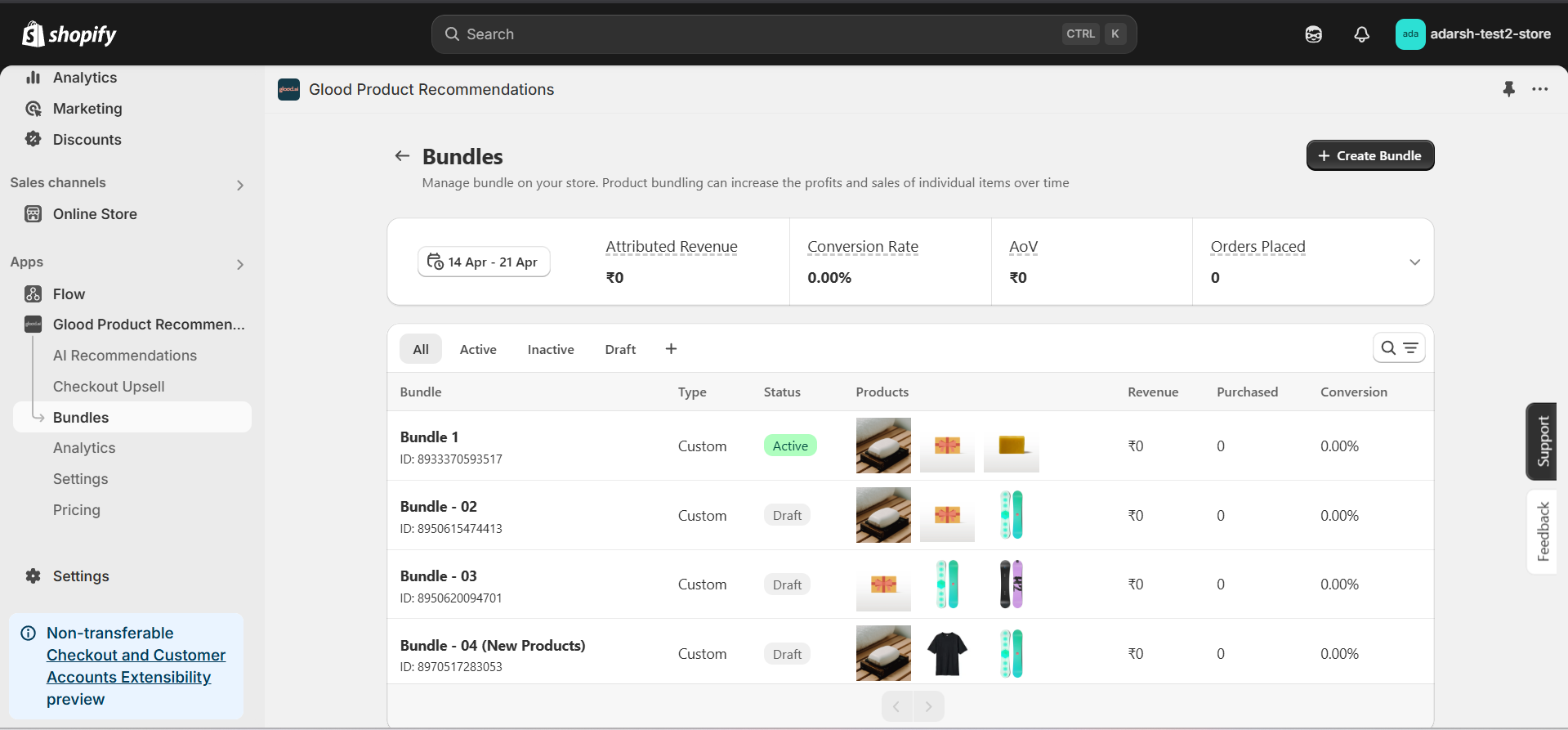
3. Create and Configure a Bundle
- Click the “+ Create Bundle” button on the Bundles page.
- Fill in the following details on the Bundle Details page:
- Save your progress once all fields are filled.